Guide contents
Profile and company
Your organisation's details and how the workspace looks.
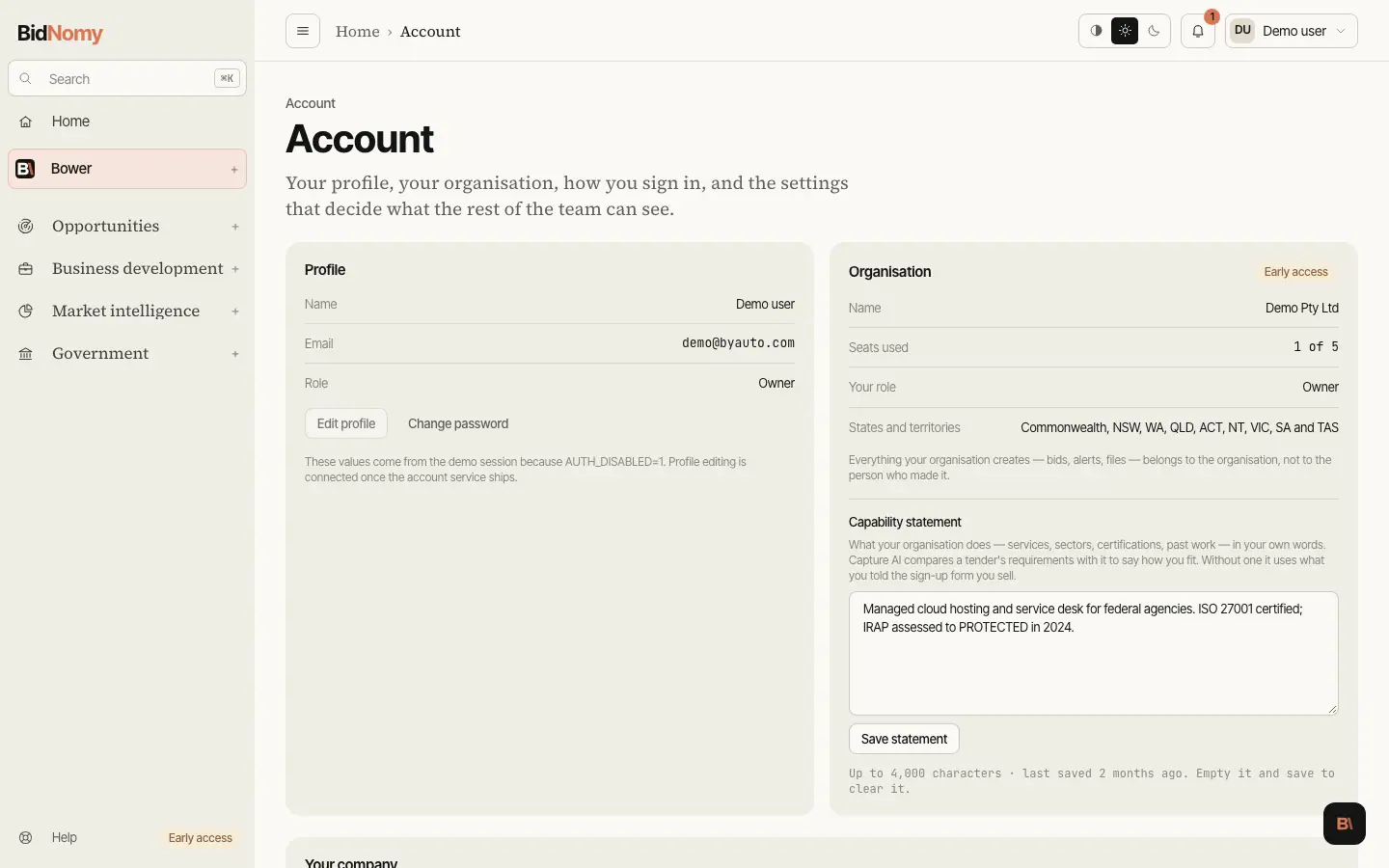
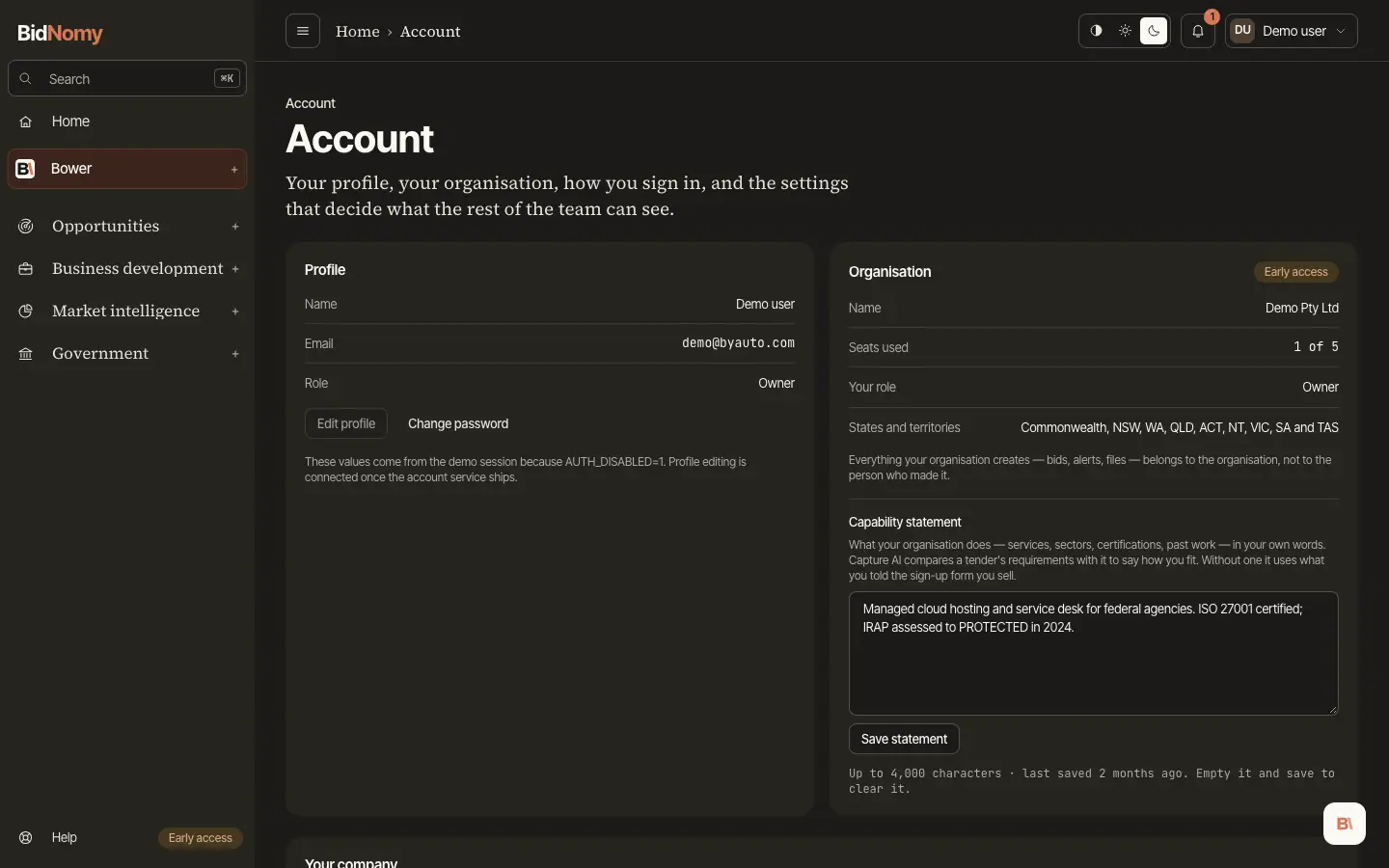
Your company
Your company on the Account page links your organisation's ABN. Linked, your past contracts count as experience in bid documents, and Home's Find your company step ticks.
- Owners and admins type an ABN and press Preview. The preview shows the company, its Commonwealth contracts, their value and years. Press Link to link it, or Cancel.
- Is one of these you? lists companies whose name starts like your organisation's. A suggestion never links anything: Preview opens it, and Link links it.
- An ABN with no Commonwealth contracts yet can still be linked.
- On a supplier's page, This is us links that ABN in one step. A linked ABN's page shows Your company.
- Remove unlinks an ABN. Up to 20 ABNs can be linked. Members see the list only.
Appearance
The Appearance block on the Account page chooses the look: System, Light or Dark. System is the default and follows your device's light or dark setting, changing when it does. Light or Dark keeps that look whatever the device does. The choice is kept on this browser only, and the same switch sits in the top bar on a larger screen.