Guide contents
Team and seats
Members, invitations and seats.
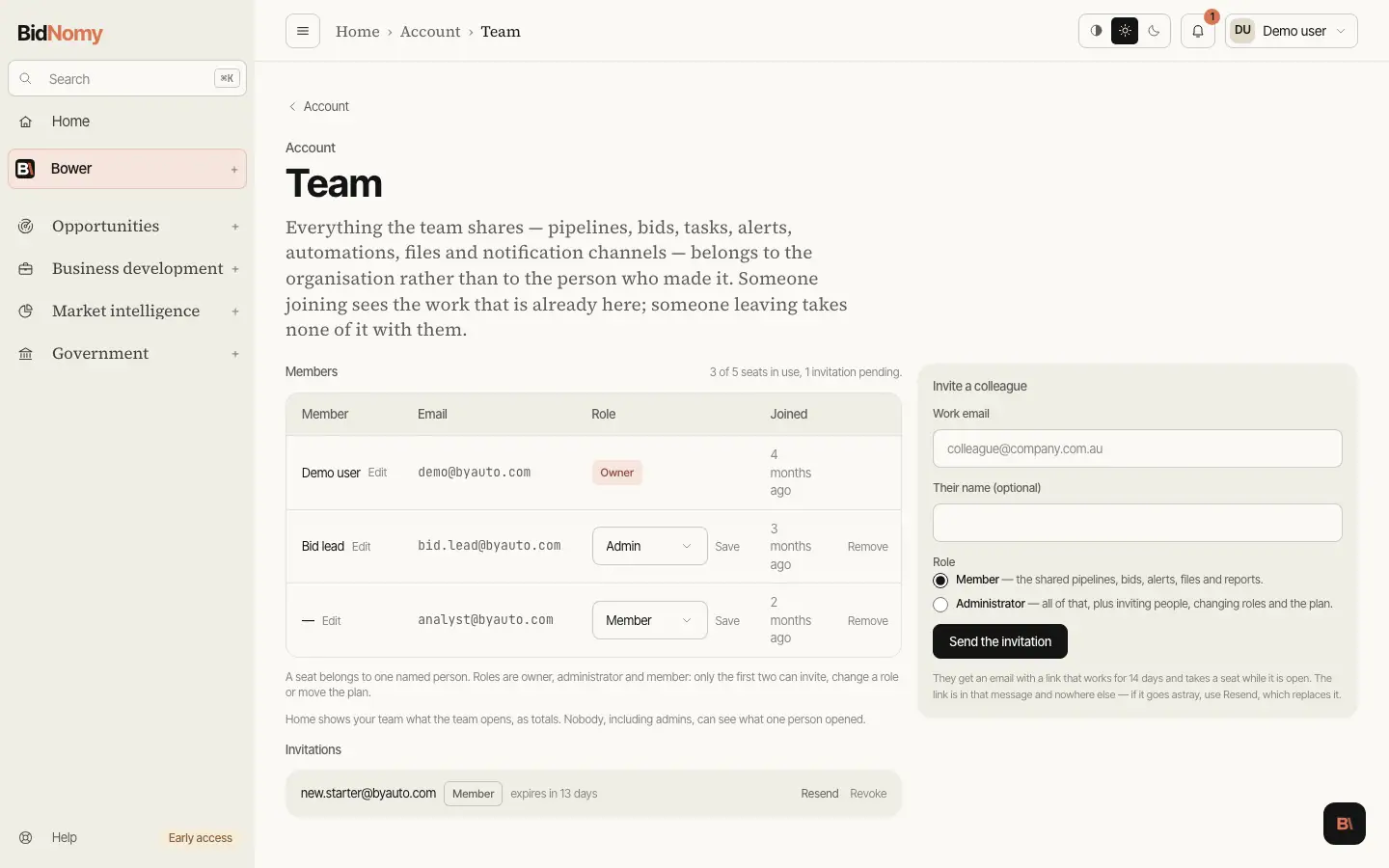
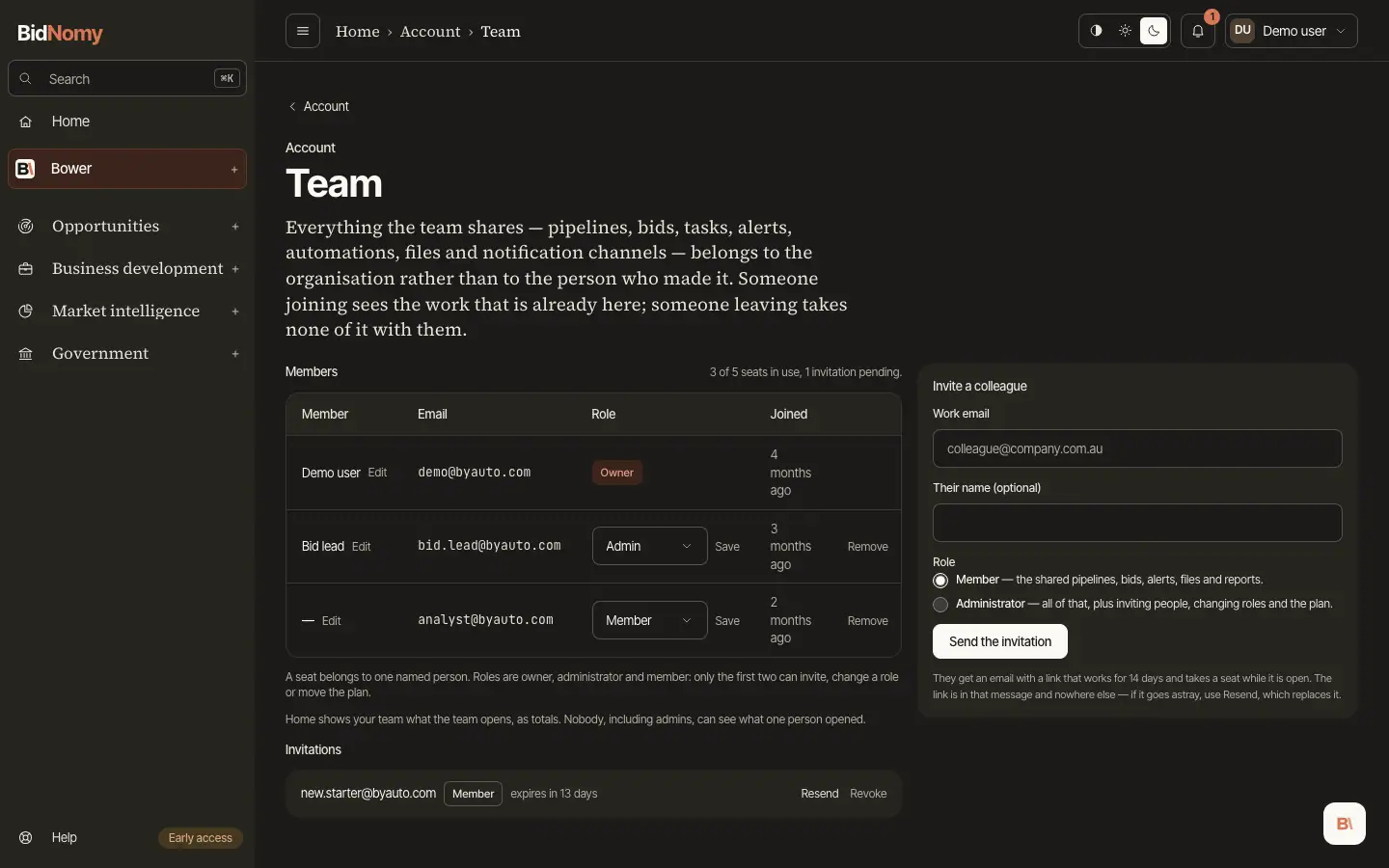
Team and seats
Everything the workspace holds belongs to the organisation: pipelines, bids, tasks and tags, alerts, automations, uploaded documents, notification channels and the custom fields on a bid. Somebody who joins sees the work that is already there without anybody moving it, and somebody who leaves takes none of it with them. Conversations with Bower and API keys are the exception — those stay personal, because they are a person's own working notes and a person's own credentials. Removing somebody revokes their API keys at the same moment, so nothing they hold keeps reading this workspace; their threads stay theirs.
A seat is one named person, or one invitation waiting to be accepted. The Team page shows the count as a sentence — "3 of 5 seats in use, 1 invitation pending" — and that sentence is what the API checks against when you send the next invitation, so the page and the refusal cannot disagree. Revoking an invitation gives the seat back immediately; so does removing somebody. Essentials, Pro and a trial are one person. Team is three people for its price, and you can add a fourth and a fifth at A$100 a person a month; Enterprise is six people and up, seats set by agreement. To invite the team during the trial, buy Team from Billing. When Team is full, the Team page says how to add a seat on Billing; at five, Enterprise is the next step and the page links to Contact us (sales@bidnomy.com) — Enterprise is quoted, not bought online.
Somebody at your domain wants to join. When a colleague signs up from your company's email domain while your organisation is on a trial or a paid plan, they get no trial of their own and the owner and administrators are emailed their address with an Invite link that opens the Team page with the address filled in. Ignore it if you do not know them: they are not told who you are.
Three roles.
- Owner — the person who created the organisation. One per organisation, and the role cannot be given away or taken: transferring ownership is not built yet.
- Administrator — everything a member can do, plus inviting people, changing somebody's role or the name shown for them (the owner's included — Edit beside the name on the Team page), removing somebody, renaming the organisation and moving the plan.
- Member — the whole shared workspace, read and write. A member sees the Team page in full, including who is in it and how many seats are left, and can change none of it.
Inviting. An administrator sends an invitation to a work address from the Team page. The invitation email carries a link that is good for 14 days, and the link is the only place it exists — BidNomy stores a one-way hash of it and can never show it to you again. Resend issues a fresh link and retires the old one; Revoke withdraws it and frees the seat. Accepting is done signed in as the address it was sent to: another account is refused, and told which address to use.
One organisation per person. An account belongs to one organisation at a time. The empty workspace every new account starts with is replaced when its owner accepts an invitation, so a colleague who signs up from your invitation lands in yours; somebody whose own organisation has a member or an open invitation in it cannot accept an invitation into another. Leaving an organisation is not built yet; until it is, an administrator removing somebody is what ends a membership. The person removed keeps their account and their Bower threads but is in no organisation and gets no new trial: their Home page offers to join a team by invitation (an invitation sent to their address shows there with a Join button) or to choose a plan on Billing, which sets up their own organisation as soon as the payment goes through.
Two things are shared more than you might expect, and one less.
- The inbox on the Notifications page is the organisation's, so read and unread are the team's: a colleague opening a notification marks it read for everybody. Deciding what each person has seen is a later step, and until then one team reading one inbox is better than four copies of the same row.
- The manual run limit on automations — twenty Run-now presses a day — counts the organisation's runs, not yours. Scheduled runs are unaffected.
- A file is the organisation's, bytes included: uploads are stored under the organisation rather than the person, so every member can read the text and download the original. Documents uploaded before this changed stay readable by everybody too — the owner's own account is what an organisation of one was already keyed by.