Guide contents
Alerts
Searches that email you when new matches appear.
Alerts
An alert is a search you keep. It re-runs each morning against AusTender, GrantConnect and the state and territory records that are loaded, and emails you the difference only: records dated since the last run that match your terms, not a repeat of yesterday's list.
To set one up, open any list or Search, narrow it with the filters and the jurisdiction chips, and press Save (the bell, Set up an alert). Give it a name, tick Email me when results change, and choose Daily or Weekly. On an open-tenders search, Alert me when one opens does the same for tenders that have not opened yet.
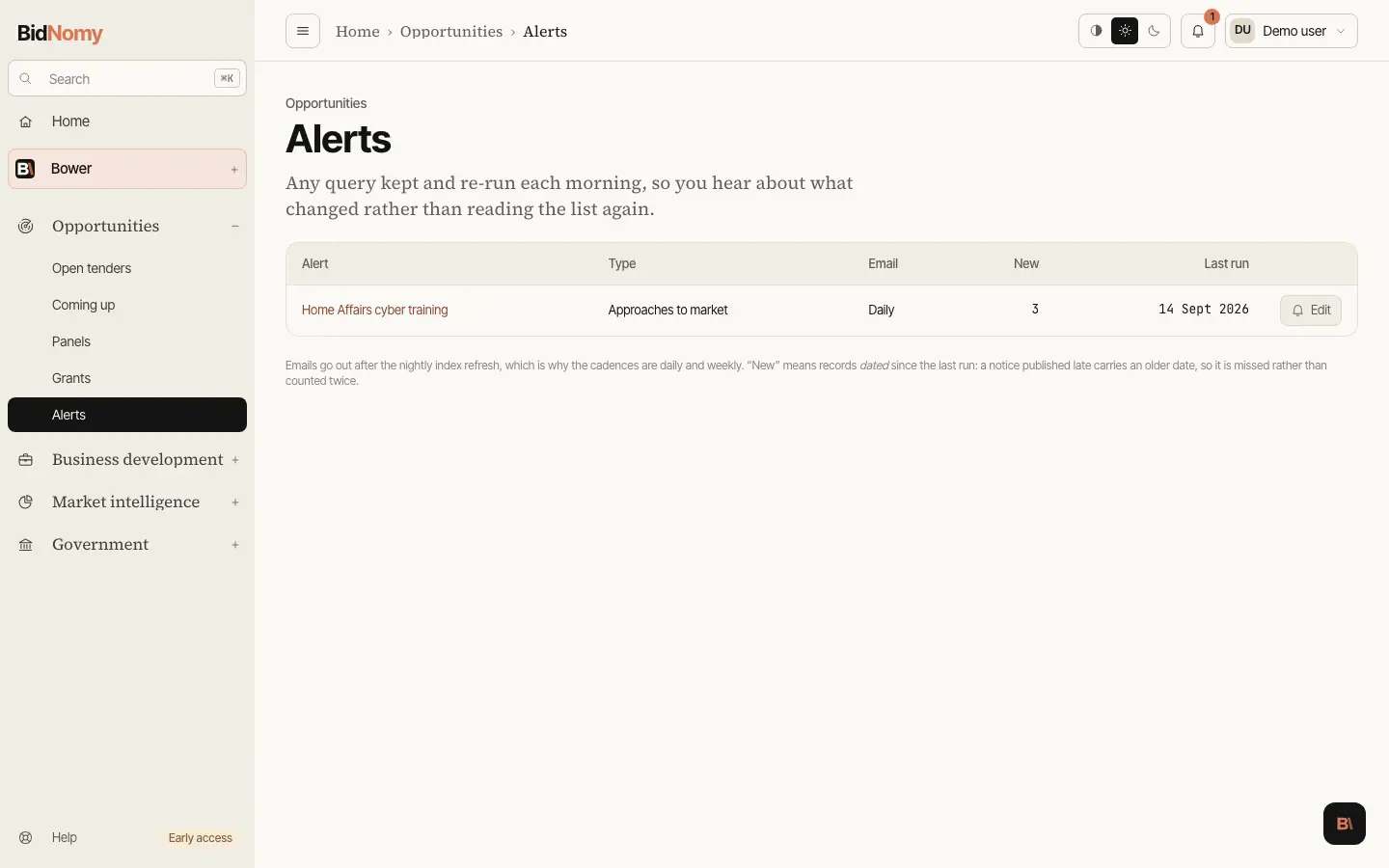
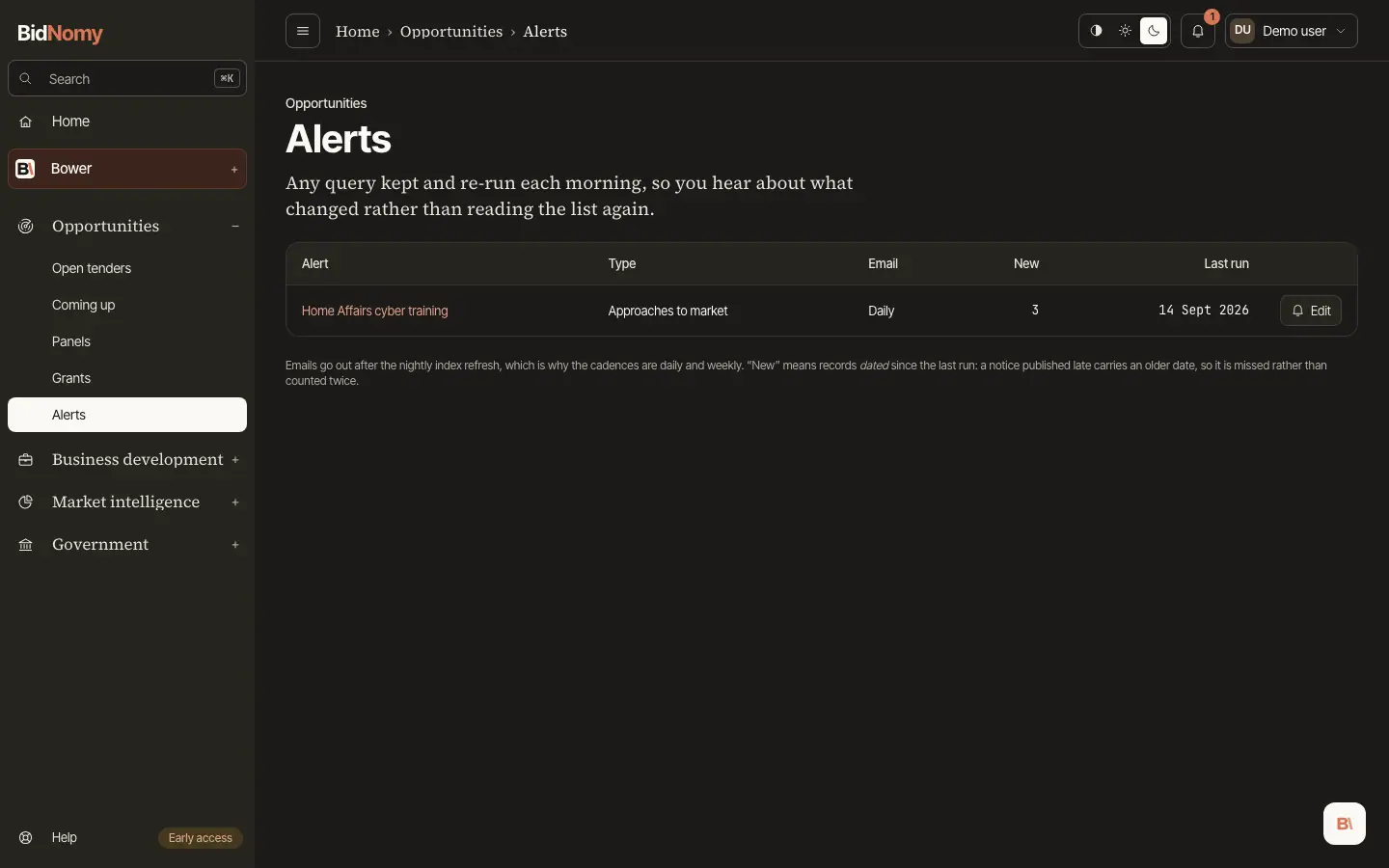
Opportunities › Alerts lists every alert with its type, how often it emails, how many new records it found last time (counted to ten, then "10+") and when it last ran. Edit on a row changes how often it emails, or turns the email off. The alert's name opens the list it was set up on, with its filters back in the URL. Home shows the newest matches for each alert, and Account is where the digest is switched on.
Emails go out after the nightly index refresh, which is why the cadences are daily and weekly. "New" means records dated since the last run: a notice published late carries an older date, so it is missed rather than counted twice. An alert on the NSW grants list counts a round as new on the day it opens. An automation can watch one of your alerts and write a report on the mornings it finds something.