Guide contents
User guideBusiness development
Tasks
To-dos on your bids, with due dates.
Tasks
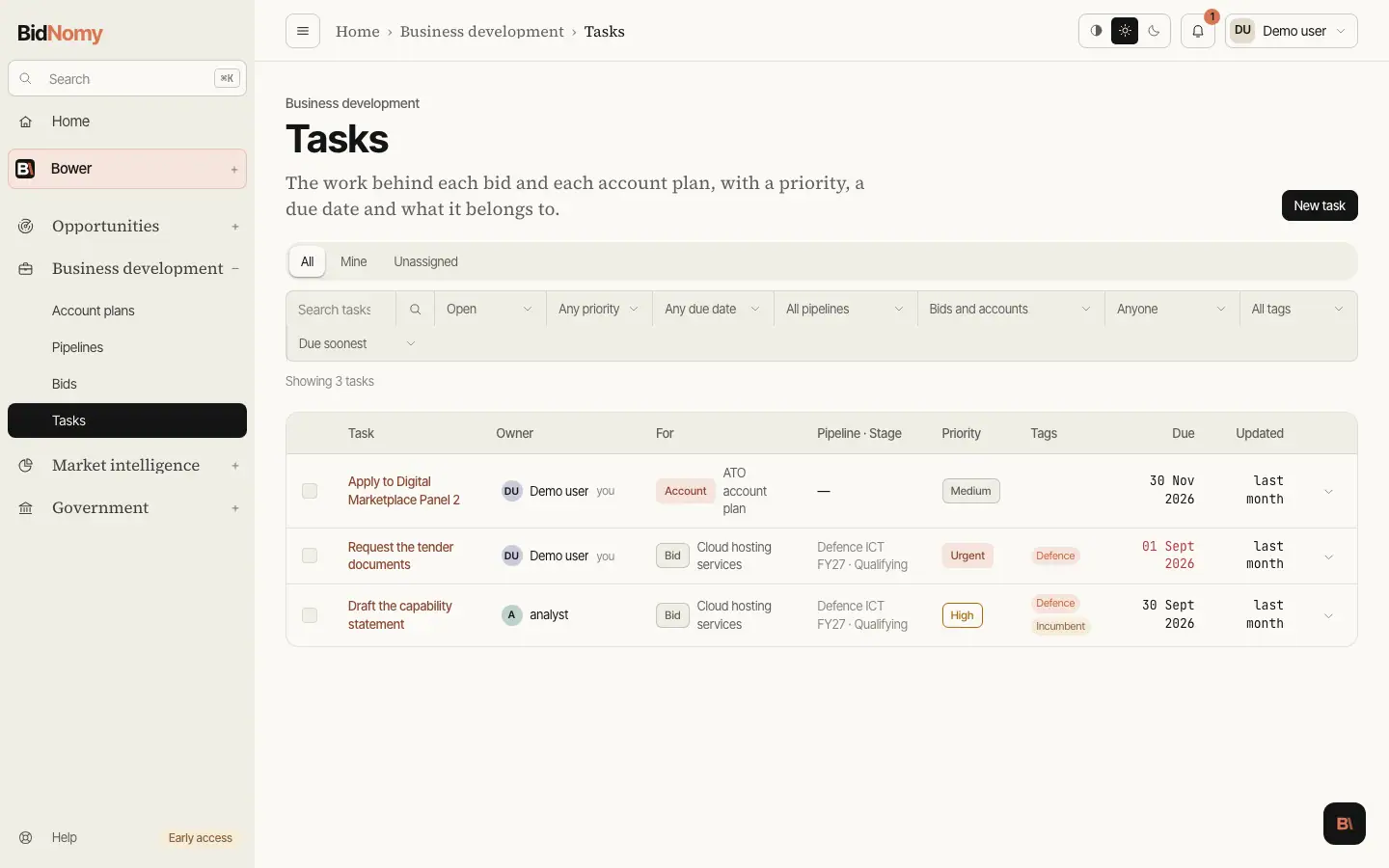
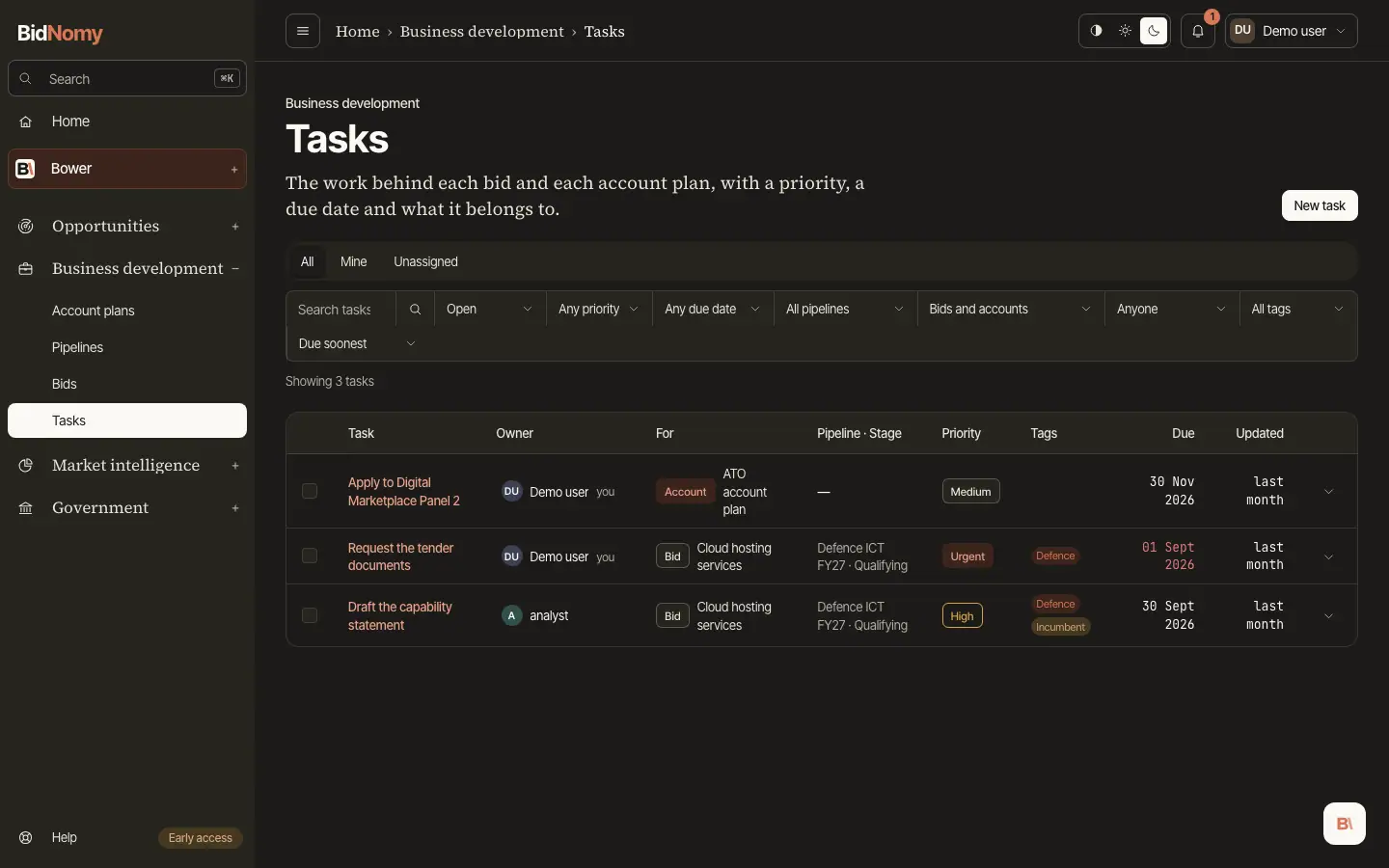
The Tasks page is every task across every bid, with the same action row the other lists have: a search box, and filters for status, priority, due date (overdue, today, this week, no date), pipeline and tag. Each row already knows its bid, that bid's pipeline and its stage, so nothing has to be opened to see where a job belongs. The For column tags each task Bid or Account (an account plan's task), and its filter shows bids' tasks, account tasks or one plan's.
Task date/time entry uses Australia/Sydney, including daylight saving. Saved deadline timestamps display in your browser or device timezone. A due date with no time means the end of that day in Sydney, so a task due today is not overdue until the day is over. A task is overdue when it is still open and its due date has passed. That is computed when the page is drawn and never stored, so a deadline that passes at midnight is overdue at 12.01 and not the next time somebody happens to edit the row. A task with no due date is never overdue — an empty date is a real answer, not a missing one.
Every bid page carries its own tasks in the order your team put them in, with a one-line form to add another and arrows to move one up or down. Ticking a task asks first (Mark done or Cancel) and stamps when it was finished; reopening it clears that, so "finished on" stays a fact rather than the row's last edit.