Guide contents
Support
Ask us a question and see our replies.
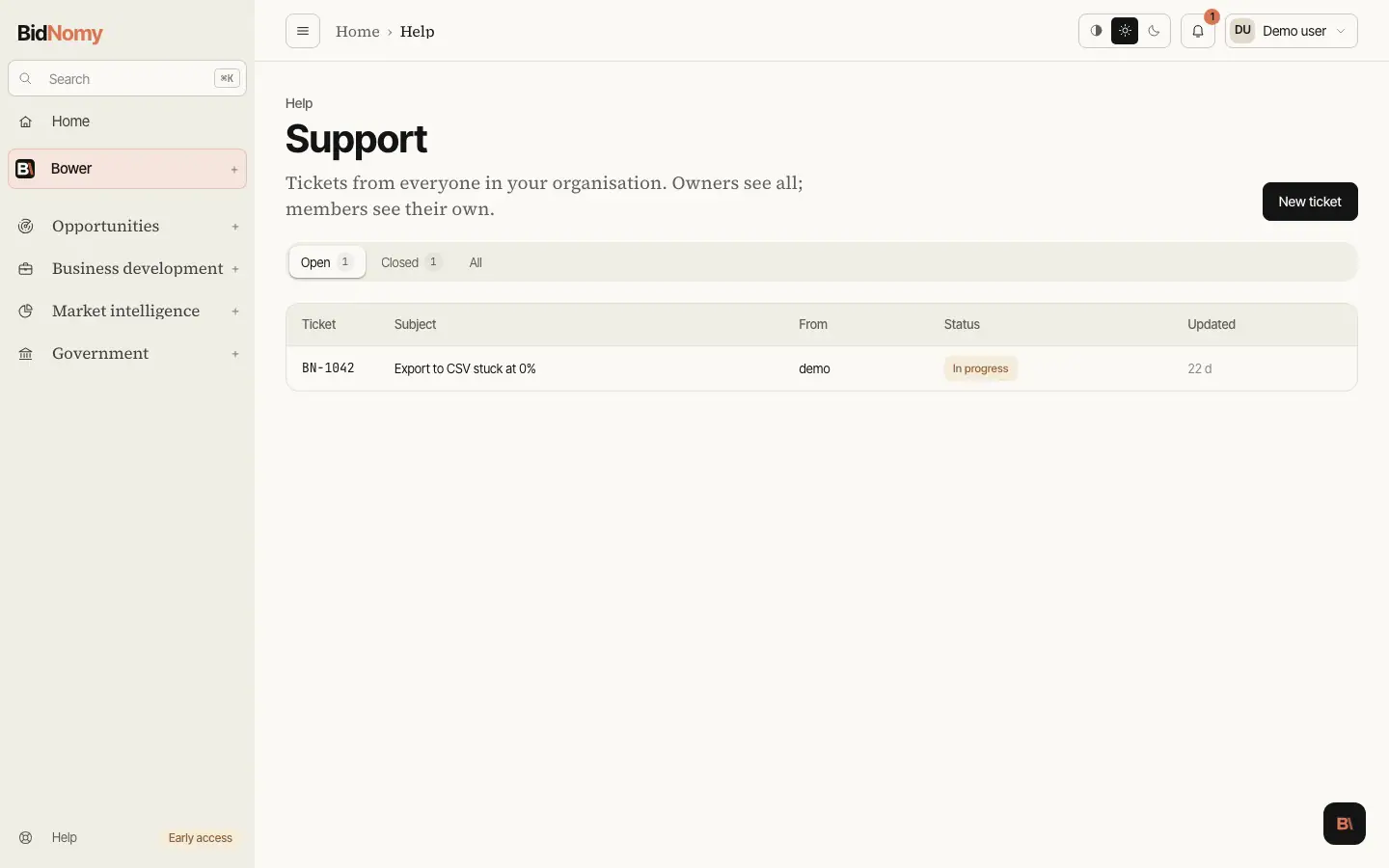
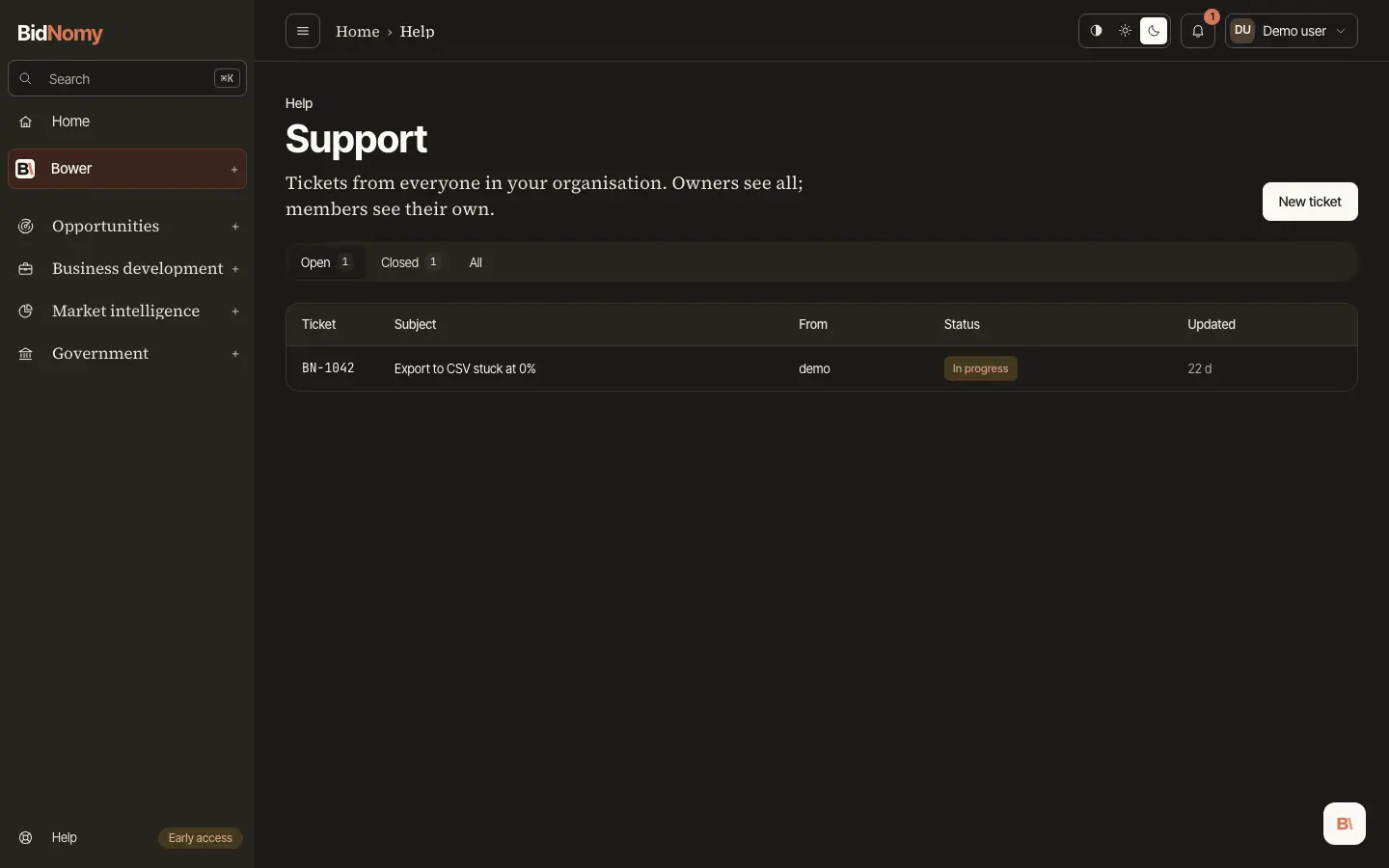
Support
To reach a person, open Help › Support at the foot of the sidebar and press New ticket. Pick a topic, write a subject and what happened, and press Send. The form shows what is sent with the ticket — your organisation, plan, role, the page you were on, your browser and the app's build — so you see exactly what we see. No session data or file content is attached.
Each ticket gets a number, such as BN-1042, and a copy arrives in your inbox. To add to the
ticket, use the Reply box on the ticket under Help › Support, or reply to the email.
Answers from our team appear in the thread, signed BidNomy Support, and also arrive by email.
Email replies show in the thread within a minute or two. Long messages show their first lines;
Show more opens the rest. A new email to support@bidnomy.com without the ticket number in its
subject does not open a ticket — use the form.
Members see the tickets they opened; owners and admins see every ticket in the organisation. A ticket is Open, In progress or Closed. When we close a ticket you get a short email; if anything is still wrong, reply to it or add to the ticket and it opens again. A ticket closed a long time ago asks you to Open a new ticket instead; the new one links back to the old one.
Bower may answer a ticket first; its replies are marked Bower and tagged AI. Did this help? under the newest one closes the ticket (Yes) or passes it to the team (No). A person on the team reads every ticket, and anything Bower cannot settle goes straight to them. Bower may still answer your next message after the team has replied.
Bower can draft a ticket for you: ask it to "contact support" and it opens the form filled in, with a link to the conversation. Nothing is sent until you check it and press Send. Conversations are kept for 30 days, so the link on an older ticket stops working.