Guide contents
Panels
Panels and standing offers: open to join, or already awarded.
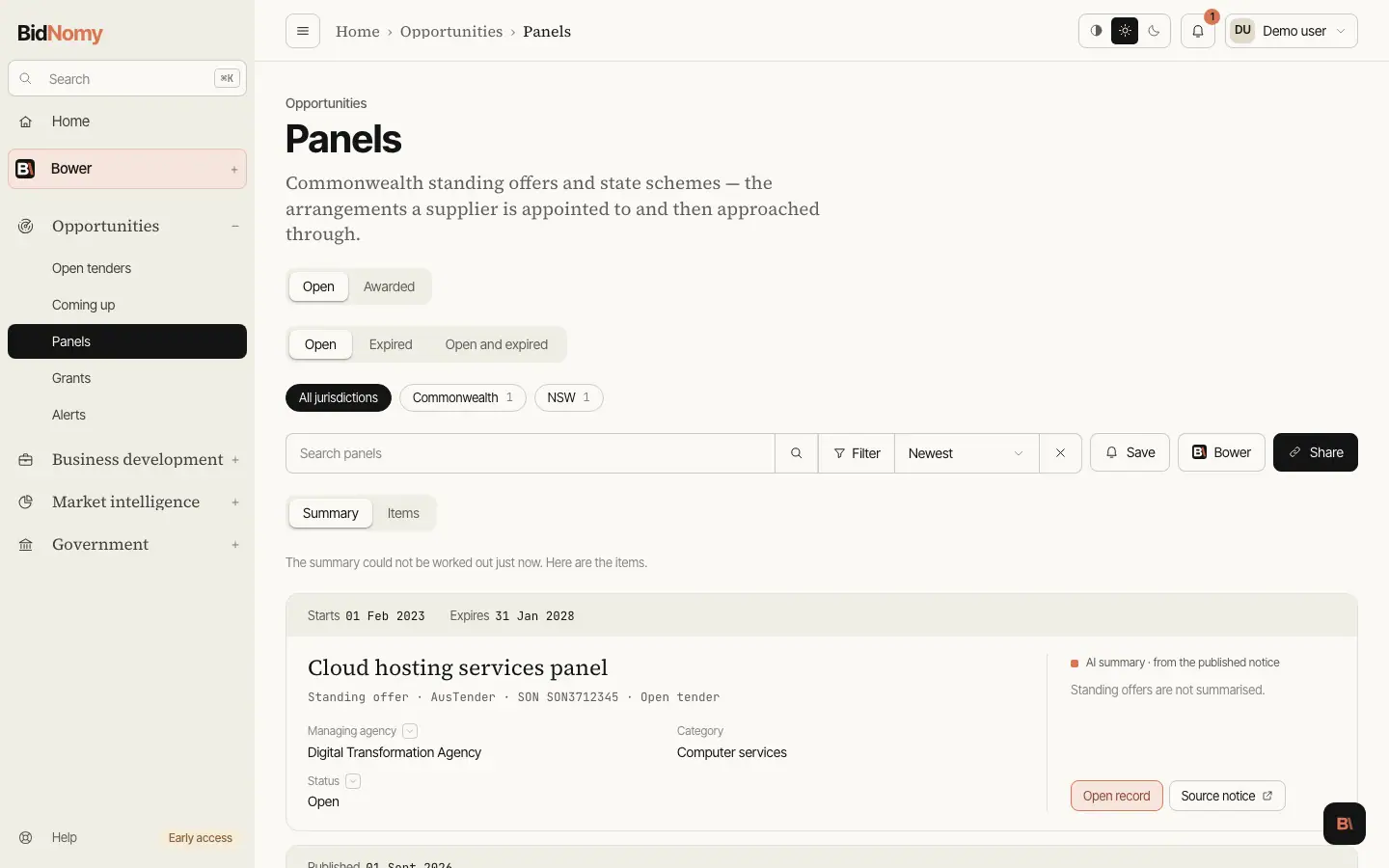
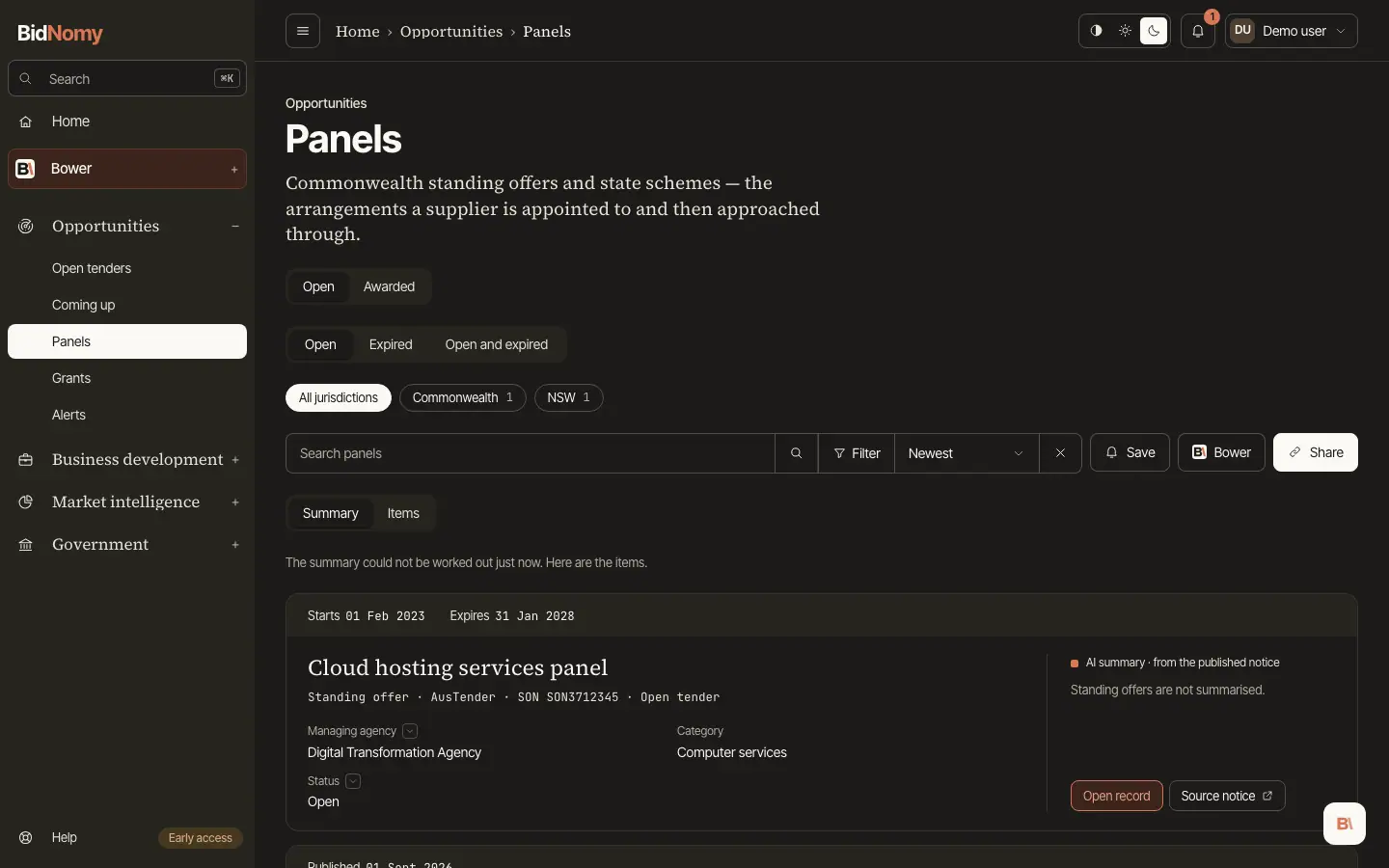
Panels and Grants: Open and Awarded
Panels and Grants each have two tabs. Open is what you can still join or apply for; Awarded is who is already on a panel and who won past grant rounds, so the incumbents sit one click from the work.
- Panels › Open: a standing offer's title opens the standing offer's own page. It shows the panel's term, managing entity, category, method, whether other agencies may buy from it, how many contracts have been drawn under it, and a link to the notice.
- Members on that page is one row per supplier. What the members share is said once above the rows: the deed dates ("All deeds …", or "Most deeds … (N of M)" when some members joined later), what has been drawn ("Nothing drawn yet", or how many members have drawn, how many contracts and their value). Each row has the supplier's name, which opens its place on the panel, its ABN and location, and the contracts and value that member has drawn, with a bar against the busiest member (0 and — until anything is drawn). A member whose deed differs from the common one gets a small tag such as "deed from 29 Oct 2024". On a phone a row shows the name and the value drawn.
- Every panel, however small, has a find box (a name, or part of an ABN), a sort (Most drawn, the default, or Name) and a chip for each state with its count. The rows come 50 at a time. Open as a list in Awarded shows the same members as a list you can filter and export. A panel with no members says "No members published yet": AusTender lists the members on the notice once the deeds are signed.
- Panels › Awarded lists the suppliers appointed to each standing offer. Open a place to see the standing offer and, under Other members of this panel, up to 12 other members as the same rows, the ones who have drawn the most first. See all members opens the standing offer's members. You can also narrow Contracts to one standing offer. The AI summary is the standing offer's, written the first time anyone opens a member's page and shared by every member.
- Grants › Awarded lists GrantConnect grant awards, and beside them State grants paid (below). A grant award opens a record page of its own.
State grants paid
Grants › Awarded has two parts: Commonwealth awards (GrantConnect) and State grants paid. The second is the cash a state agency paid each recipient in one financial year. Queensland is the first state, from the Queensland Government Investment Portal, 2012-13 on.
- Paid, not awarded. A three-year agreement appears once for each year it paid. It is never counted as a grant award.
- Totals are per financial year. Pick a year, or filter by agency, program or recipient ABN, and the page shows what was paid in each year. There is no total across years.
- Not published is not zero. Where the publisher left an amount blank (most of 2019-20), it reads not published.
- People are not named. Payments to individuals read Individual recipient.
Filter by jurisdiction, financial year, agency, recipient ABN or words in the recipient, program or purpose. A payment's page shows the publisher's line, a link to the year's file, the same program's payments that year, and the recipient's payments by year. Search finds them under State grants paid, one result per recipient, program and year.