Guide contents
User guideBusiness development
Company profile
Your company from public contract records.
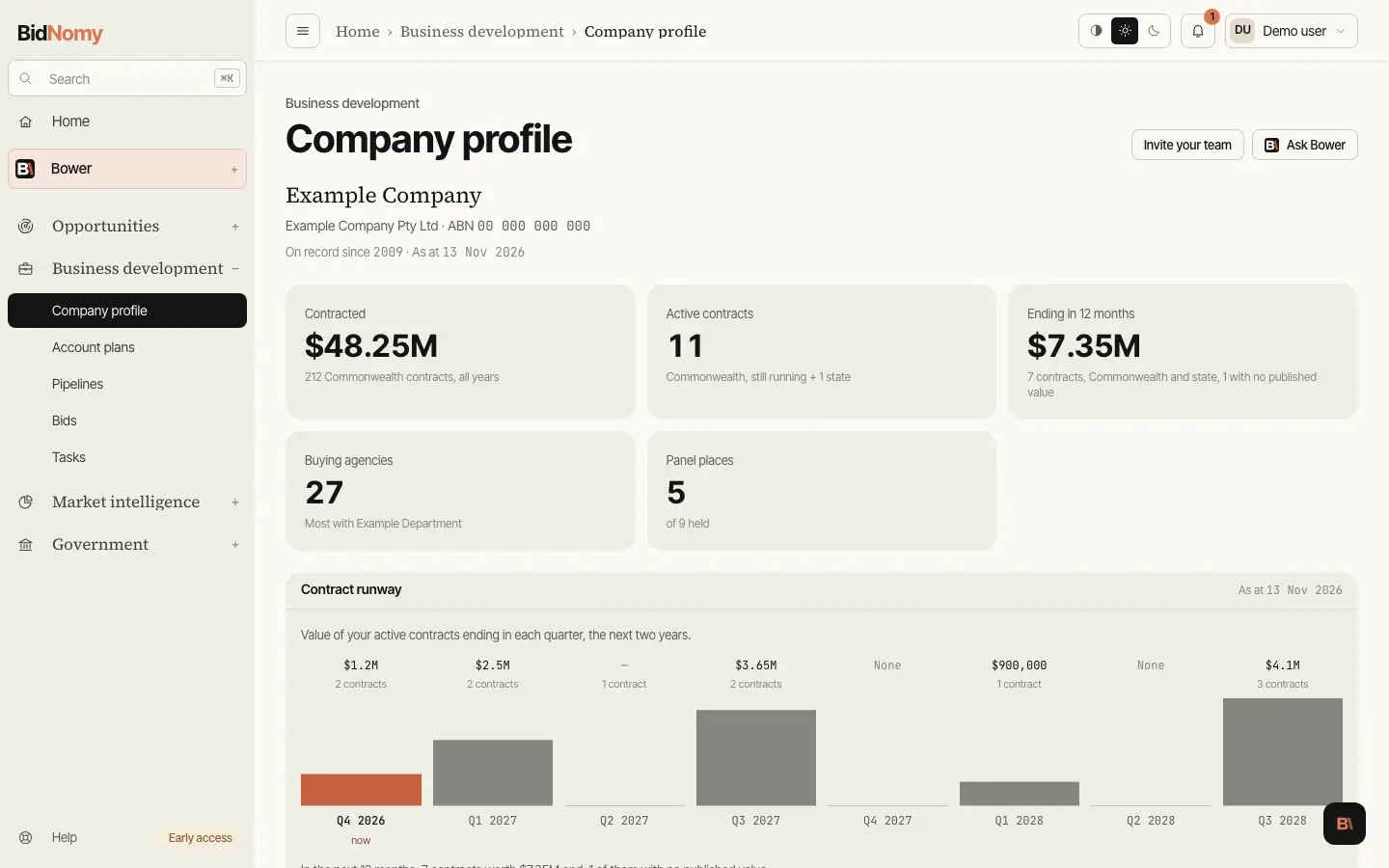
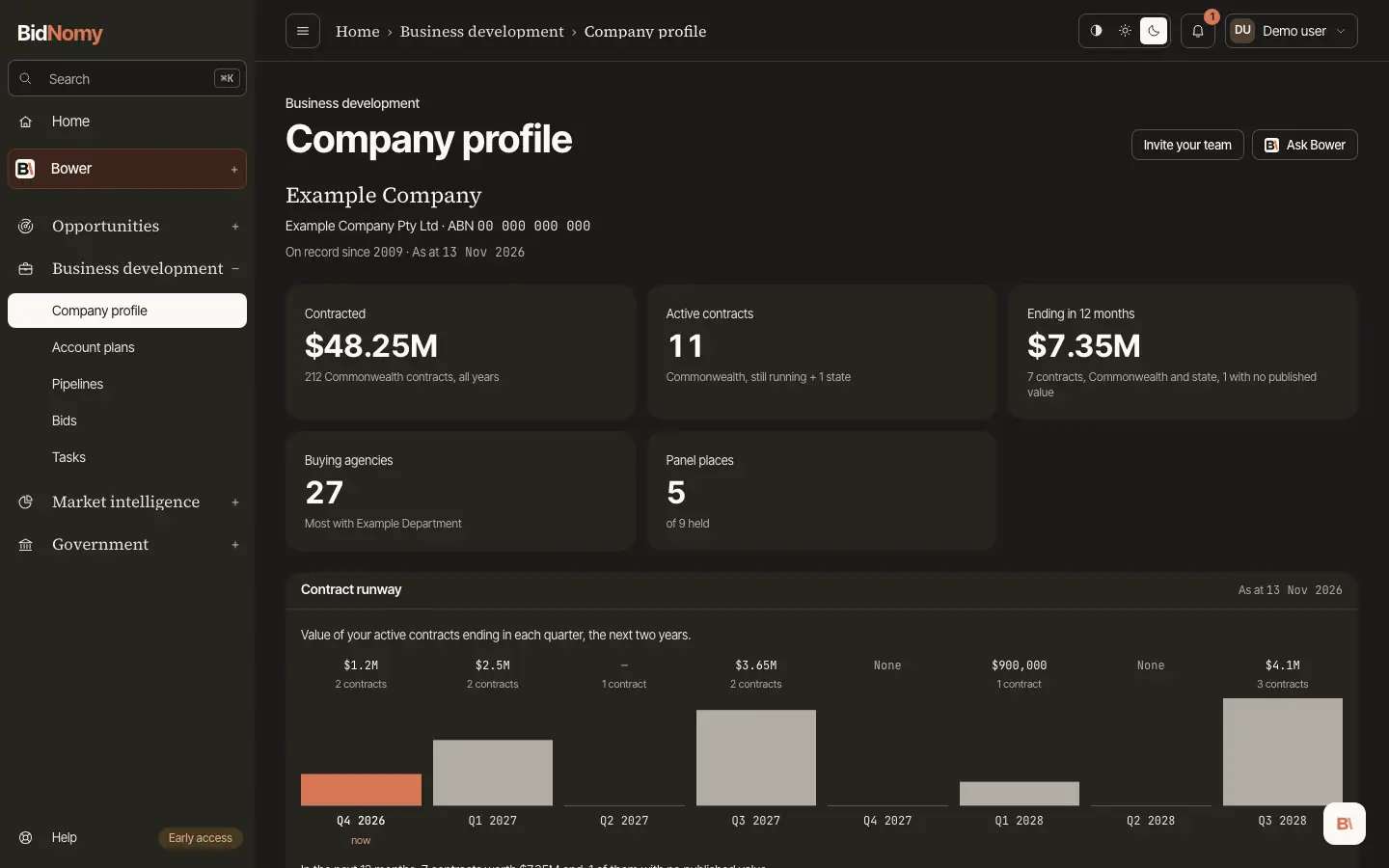
Company profile
Company profile shows your own company the way government buyers see it in the public record. Open Business development and choose Company profile.
The top of the page names your company, its registered name and ABN, the year of its first Commonwealth contract ("On record since", left out when the record has no real date), and the date the figures were worked out ("As at"). Under it are five figures:
- Contracted: the value at award of every Commonwealth contract, all years, and how many there are.
- Active contracts: Commonwealth contracts that have not ended yet. If your plan reaches state records, the state contracts still running are added in the note.
- Ending in 12 months: the value of active contracts that end in the next year, and how many. If your plan reaches state records, state contracts are included and the note says "Commonwealth and state". A contract that publishes no value is counted but not added, and the note says how many there are. A dash means none of them publishes a value.
- Buying agencies: how many Commonwealth agencies have bought from you, and the one that has bought the most.
- Panel places: the panels you are still on, out of every panel place you have held.
Contract runway
Contract runway shows when your company's work runs out. Each bar is one calendar quarter, starting with this one (marked "now") and running two years ahead. The bar's height is the value of your active contracts that end in that quarter, and the caption gives the value and how many contracts end. A quarter whose contracts publish no value shows a dash and the count, never $0; when only some of them publish a value, the caption also says how many are unvalued. "None" means nothing ends that quarter. A small quarter still draws a short bar so you can see it. Under the chart, one sentence gives the next 12 months: how many contracts end and what they are worth, the same figures as the Ending in 12 months tile. If nothing ends in the next two years, the section says so.
Yours ending
Defend: yours ending lists your own active contracts, the one that ends soonest first. Each row shows the end date with the days left, the contract (its title opens the contract's page, with its category underneath), the agency and the value. A dash means the contract publishes no value. Two small badges can sit beside a title:
- a state code such as NSW marks a state contract rather than a Commonwealth one;
- amended ×N means the contract has been amended N times since it was awarded. An amendment can change the value, the end date or both.
Choose a window above the list: 90 days, 6 months, 12 months (the default), 24 months or All active. The heading shows how many contracts end inside it. A company with a very long list sees its first 500 contracts, and a line says how many there are in all; when a window reaches past those 500, the heading shows the count with a plus, such as "500+". If your company has more active contracts than the page reads, the runway and the list say so, and the later quarters may be incomplete.
Add renewal to pipeline adds that contract to your pipeline as a new bid, so you can plan the renewal before it goes back to market. You stay on the list, and the button turns into In pipeline, which opens the bid. A contract already in one of your bids shows In pipeline when the page opens.
Panels
Panels shows the panels your company is on, one row per panel place. The heading gives the same count as the Panel places figure, such as "5 running of 7 held". Each row names the panel (its name opens the panel's page; a panel with no published title shows its standing offer number), the agency that runs it, and its start and end dates. A bar beside the row draws the place on one time line shared by every row, with a Today marker. Panels you are still on are drawn in colour; panels that have ended are greyed and say "ended". A panel with no end date runs to the edge of the time line and says "no end date". The end date is when your place on the panel ends, as published; a panel can be extended or refreshed before then. Running panels come first, and a company on very many panels sees the first of them, with a line saying how many there are in all. If your company has no panel place on record, the section says so.
Track record
Track record shows what your company has won from the Commonwealth over the years. State contracts are not included here. One sentence names your first financial year on record and your best year by value. Under it, each bar is one financial year, such as FY2023-24: the bar's height is the value at award of the contracts published that year, with the value and the number of contracts above it. The running financial year is greyed and marked "so far", because it only holds what has been published to date. A year with no contract at all says "None", and a year whose contracts publish no value shows a dash, never $0. The chart shows your latest 12 financial years; when your record goes back further, a line under the chart says which years are shown, and the earlier years still count in the figures at the top of the page.
Under the chart, Top agencies and Top categories rank the agencies that buy most from you and the categories you win most in, each with its value and number of contracts. An agency's name opens its page when we can match it; a category shows its broader group underneath.
Competitors, other companies' contracts ending and how well new work fits you arrive on this page over the coming weeks.
Where the figures come from
Every figure comes from public records: Commonwealth contract notices and standing offers published on AusTender and, on plans that include states, the state portals. Nothing is taken from your own pipeline. If your company trades under more than one ABN, link each of them and the page adds them together. When more than one ABN is linked, they are listed under the figures.
As at
The figures are worked out afresh each day and kept for up to six hours, so a contract published this morning can take a few hours to appear. The As at date is the day they were worked out, and every figure on the page is as at that date. Each section repeats the date in its heading.
Linking or changing your company
The page reads the company linked in Account › Your company. With nothing linked it says Link your company and takes you there. If an ABN is linked but has no Commonwealth contract or panel record yet, the page says so and lists the ABN, with Review your company to check it; the page fills in when a record is published. Add, change or remove an ABN there and the profile follows. If the records cannot be read for a moment, the page says so; try again in a few minutes. If your workspace's plan has ended, the page does not show your company's records and Go to Billing takes you to the plans.